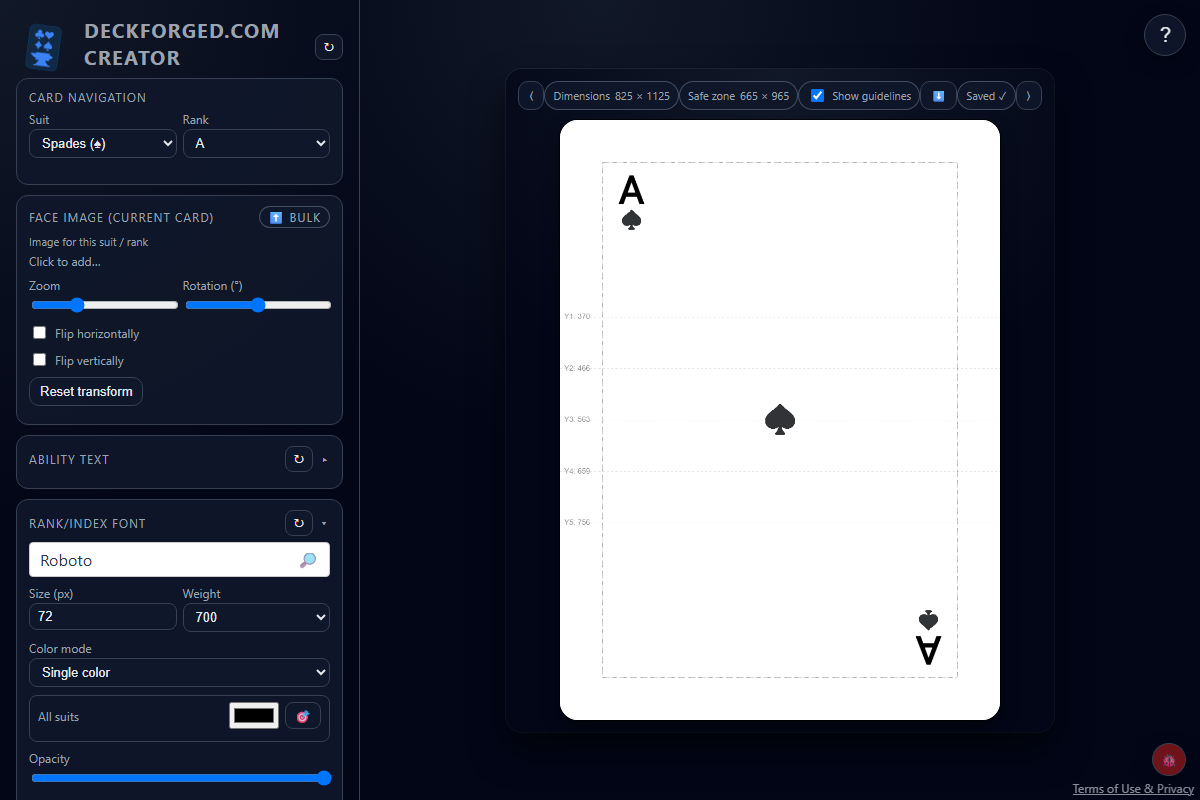
Deck Forged
Create custom playing card decks and export them for printing. Customize fonts, icons, and images.
 Fairway 3 Games
Game Design Tools
Create and edit cut lines, then save SVG files for custom punch outs.

About this project
Cut Lines Editor is a local-first vector workspace for preparing SVG cut paths for custom punch-outs and printed components. It combines familiar path editing with production checks, so creators can shape a contour while watching safe zones, spacing, nick placement, and product-specific constraints.
The editor supports direct node manipulation as well as drawing new paths and geometric shapes. Projects can be saved and reopened as JSON, while a paths-only SVG export keeps the manufacturing file clean.
Keep exploring
Create custom playing card decks and export them for printing. Customize fonts, icons, and images.
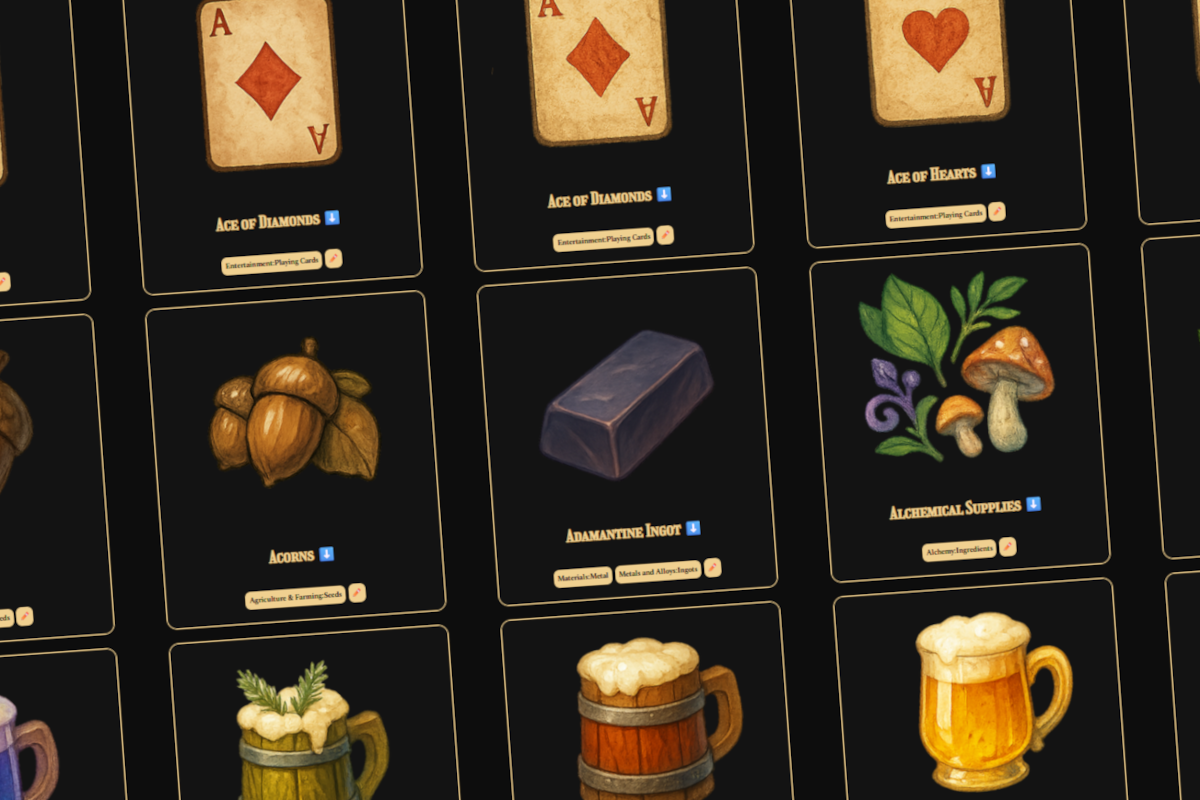
A large library of fantasy, science fiction, and modern game icons.

Create custom cards for Starving Artists that can be downloaded and printed through services like The Game Crafter.

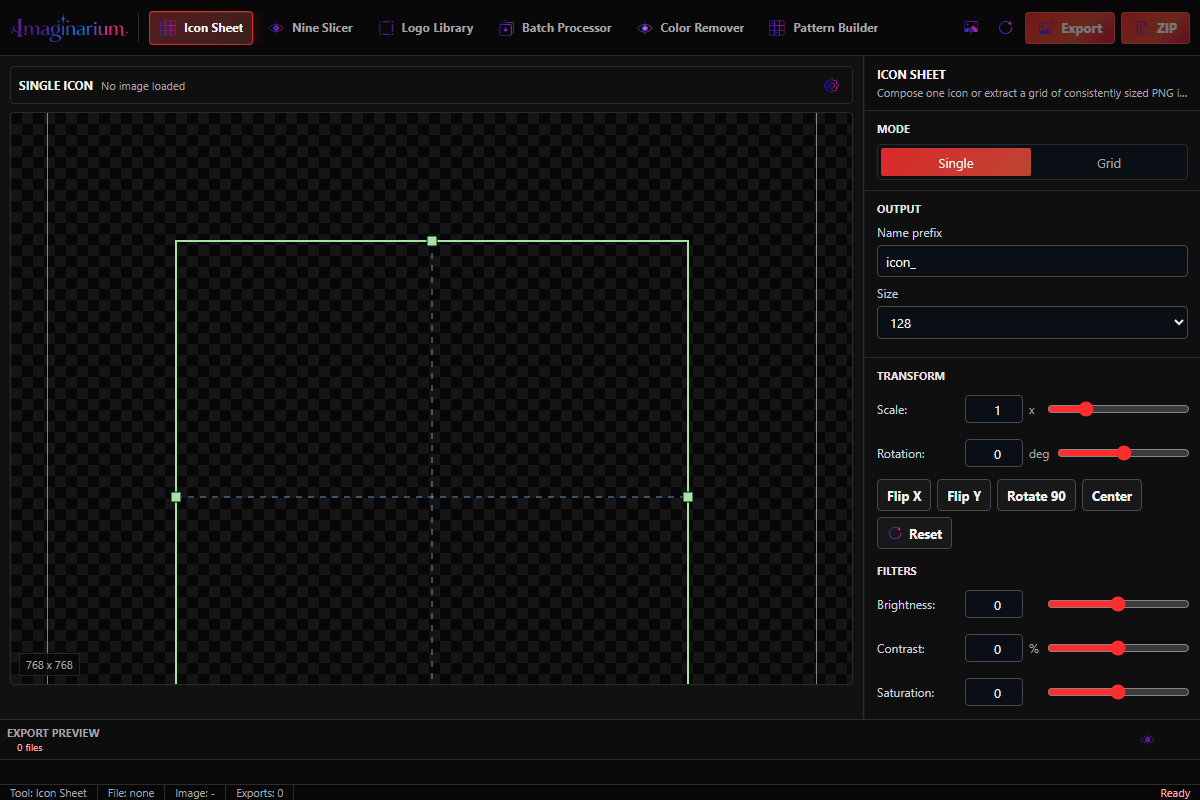
Remove image backgrounds, slice icons, export logo sizes, and batch process the same tasks across groups of images.